
26 June 2026
Enterprise Real Estate Marketing Software: Keeping Branding Consistent Across Offices and Agents
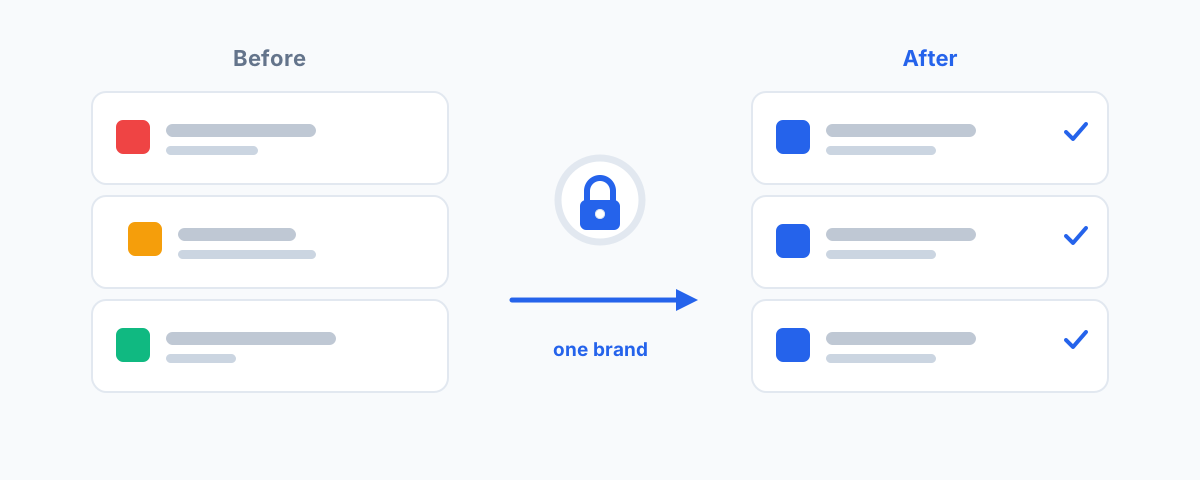
How enterprise real estate marketing software keeps branding consistent across multiple offices and agents — locked templates, digital asset management, approval workflows, local marketing, and reporting at network scale.
When a single agent runs their own marketing, brand consistency takes care of itself — there is one person making the choices. The problem begins the moment you scale. With multiple offices and dozens of agents, everyone is producing listing ads, social posts, brochures, and email signatures, and each of them is quietly making their own decisions about logos, colours, fonts, and disclaimers. Within a year your brand looks like ten different agencies wearing the same name. Enterprise real estate marketing software exists to solve exactly this: keeping branding consistent across every office and agent without turning your marketing team into a bottleneck.
What "Enterprise" Actually Means Here
The agent-level tools are not wrong; they are just built for a different job. A solo agent or a single office can do well with a CRM, an email platform, and a design tool, which is the kind of stack we cover in our guide to SaaS for real estate agents. Enterprise software adds three things that only matter at scale: centralisation, so there is one source of truth rather than fifty; governance, so the brand is enforced by the system rather than by hope; and reporting that rolls up across the whole network. If you are evaluating platforms and they cannot do those three things, you are really just buying a bigger agent tool.
Locked Brand Templates Are the Core
The single most important capability is templated collateral where agents control the content but not the brand. In practice this means an agent opens a listing brochure or social ad, edits the address, price, photos, and copy, and exports — but they physically cannot move the logo, change the colour palette, swap the font, or delete the mandatory disclaimer. The brand is locked; only the variable content is open.
This is what stops brand drift at the source, because the easiest path for the agent is also the on-brand one. Plenty of tools do a version of this. General-purpose design platforms like Canva offer Brand Kits and locked brand templates that work well for smaller networks. Real-estate-specific platforms such as Campaigntrack and Realhub go further, building the templates around listing data and vendor-paid-advertising workflows that are particular to Australian agencies. The right choice depends on how much real-estate-specific automation you need versus general flexibility.
A Single Source of Truth for Your Assets
Locked templates only work if the assets inside them are correct, which is where digital asset management comes in. A DAM is the central library that holds your current logos, approved photography, brand fonts, office images, and headshots — one place, always up to date. When you rebrand an office or update a logo, you change it once in the DAM and it propagates everywhere, instead of chasing down the old version that lives in someone's Downloads folder.
Without a DAM, you get the classic enterprise failure: an agent reuses last year's logo from an old brochure because they could not find the new one. The library has to be easier to use than the shortcut, or people will take the shortcut every time. Good enterprise platforms make the approved asset the default, not a file someone has to go searching for.
Approval Workflows and Compliance
At scale, "publish" should sometimes mean "submit for approval." Enterprise marketing software lets you define which collateral can go straight out and which needs a marketing or compliance sign-off first. This matters in real estate more than most industries, because property advertising is regulated: portal specifications from realestate.com.au and Domain have to be met, and Australian underquoting and advertising laws carry real penalties when price representations or disclaimers are wrong.
An approval workflow turns compliance from a person remembering to check into a step the system enforces. The agent submits, a reviewer sees exactly what will be published, and only approved material reaches the portals and social channels. The goal is not to slow agents down on routine work — most of it should be auto-approved through locked templates — but to put a gate on the things that genuinely need one.
Local Marketing Without Breaking the Brand
The trap with centralisation is going too far and making the system so rigid that agents abandon it. A good enterprise platform supports localisation: an office can add its own address, contact details, and local imagery, and agents can personalise within defined limits, all while the core brand stays intact. Head office sets the boundaries; offices and agents work freely inside them.
This balance is what makes the difference between software people use and software people route around. If the on-brand option is also the fast, flexible option for day-to-day marketing, adoption takes care of itself. If it is slower than just opening their own design tool, agents will quietly go back to doing their own thing and you are back to brand drift.
Reporting Across Every Office
Because everything flows through one system, you finally get network-level visibility: which offices are marketing actively, what is being spent on vendor-paid advertising, which campaigns and channels perform, and where collateral is being produced off-brand or not at all. For a principal or marketing lead running multiple offices, this rollup is often as valuable as the brand control itself, because it turns marketing from a black box into something you can actually manage and compare across the group.
Integrating With Your CRM and Portals
Enterprise marketing software should not be an island. It needs to pull listing and contact data from your CRM — Box+Dice, AgentBox, Rex, or similar — so agents are not re-keying property details into every piece of collateral, and it needs to push finished campaigns out to realestate.com.au and Domain. The marketing platform sits in the middle of your existing systems, and the cleaner those connections are, the less manual work and fewer errors you get. The same integration thinking applies to your CRM and nurture email; our guides to using HubSpot for real estate and the best email marketing platform for real estate agents cover those adjacent pieces.
How to Choose
When you compare platforms, weigh five things in this order. First, governance: can it genuinely lock the brand while leaving content editable? Second, agent ease-of-use: is the on-brand path the fast path, or will people route around it? Third, integrations: does it connect to your actual CRM and the Australian portals? Fourth, reporting: can you see activity and spend across all offices in one view? Fifth, local support: is there Australian onboarding and help, since portal rules and compliance are local. A platform that nails governance and ease-of-use but ignores integrations will still leave you with manual work; one with great reporting but weak brand locking will not solve the problem you bought it for.
Getting Help
Choosing and rolling out enterprise marketing software is as much a change-management project as a software one — the platform only works if your offices and agents actually adopt it, which depends on getting the templates, asset library, approval rules, and integrations set up properly from day one. If you would rather have that scoped, configured against your CRM and portals, and documented so your network can run it, our Workflow Automation service handles the build and the integrations behind it. Get the brand locked into the system once, and consistency stops being something you have to police.